








Tools for the hours after the shoot.

Made by a working photographer for the parts of the job that eat your evenings: clearing out bad frames, finding the best shot in every burst, and writing the metadata clients need. They work with Lightroom, and your files stay yours.

Brass chandelier reflected in a mirror
14
Blurred patio frame, marked as a reject
14A
Orange ranunculus in a floral arrangement
15
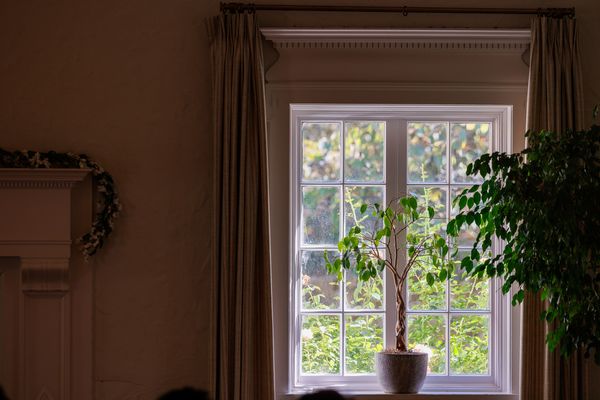
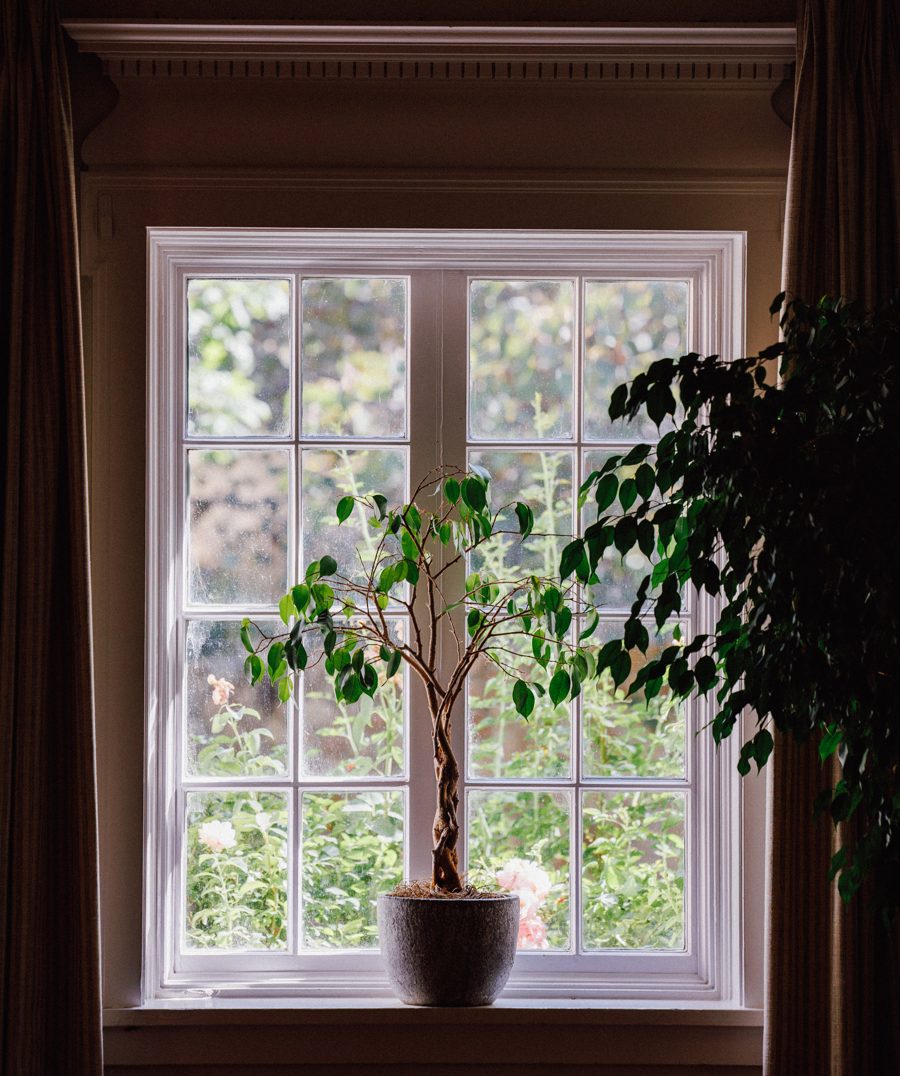
Small braided fig on a sunlit window sill, circled as the pick
15A
Nearly black frame from a strobe misfire, marked as a reject
16
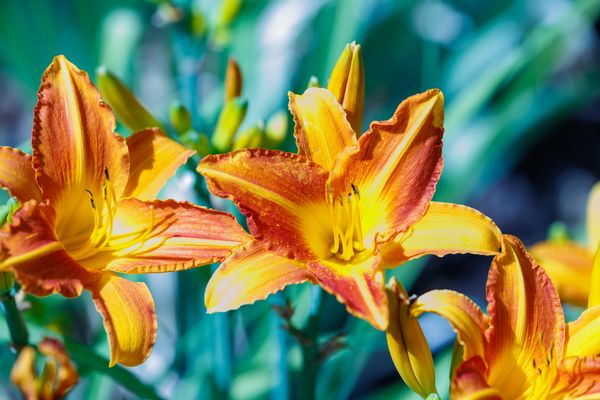
Orange daylilies in a garden
16A
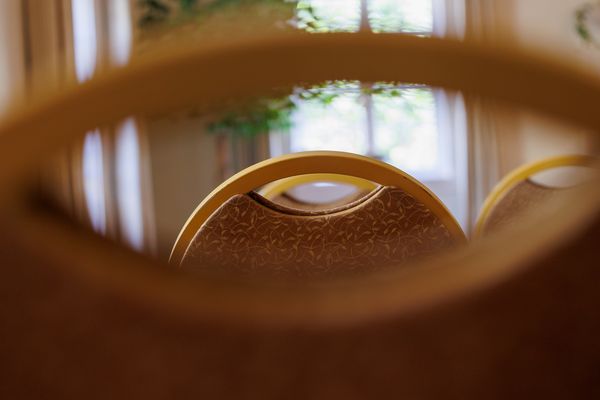
Event chair framed through the back of another chair
17
Heart-shaped leaves on a branch
17A
Washed-out frame from a blown flash, marked as a reject
18
Out-of-focus roses, marked as a reject
18A
Row of gold event chairs, circled as the pick
19
Interior window with plants in natural light
19A

Pre-Cull crosses out the frames no one would keep Burst Cull circles the best frame of each burst

Three tools so far.

Each one does one job and works on its own. Pre-Cull and Metadata fit any shoot; Burst Cull is for sports, events, and wildlife, where you shoot in bursts.

Burst Cull

Available now for Windows

For sports, event, and wildlife photographers

Groups every burst and picks its strongest frame, so a 3-star filter in Lightroom shows one photo per moment instead of twelve.

  • Describe the shoot in plain words, and it judges each frame accordingly
  • A visual report shows every burst, its pick, and the reason
  • Uses your own Gemini API key: about 35 cents per 1,500 photos in testing
  • Only small previews are sent for rating, never your RAW files
Get Burst Cull on Gumroad

Describe the shoot

Community celebration. Closed eyes during the prayer are expected. Keep wide shots of the band and the crowd.

Tell it what matters in plain words, and a bowed head during a prayer reads as the moment, not a mistake.
Pre-Cull

Coming soon

For any shoot

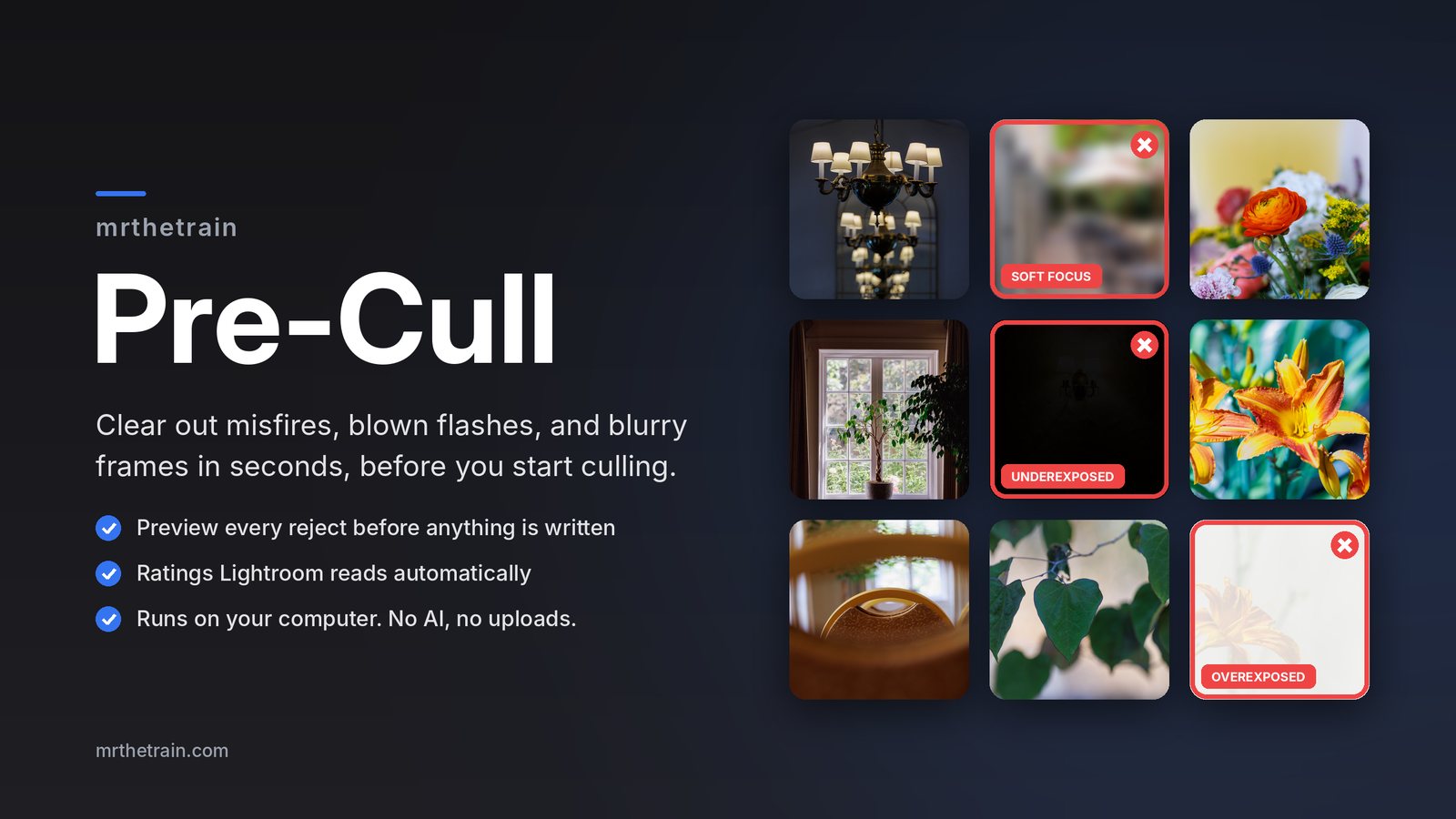
Clears out misfires, blown flashes, and badly blurred frames in seconds. It's pure image analysis: no AI, and nothing leaves your computer.

  • Preview every reject in a visual report before anything is written
  • Move a slider and the preview updates instantly
  • Undo with one click; Lightroom's own files are never touched
Get notified when it launches
Pre-Cull marking soft, underexposed, and overexposed frames as rejects

Metadata

In development

For the final images from any shoot

Drafts titles, captions, keywords, and alt text for your final images. You review and edit every word before anything is written to the files.

  • Standard IPTC and XMP fields that Lightroom, WordPress, and asset systems read
  • An option to remove camera serial numbers and GPS before delivery
  • A client-ready report with every image and its text
Get notified when it launches
Small braided fig on a sunlit window sill
Title
Braided weeping fig on a sunlit window sill
Alt text
Small braided-trunk fig tree in a gray pot on a sunny window sill, with a rose garden visible through the window panes.
Keywords
weeping fig, ficus, braided trunk, houseplant, window sill, natural light

A draft for one of my own photos. You approve every field before it's written.

From a full card to a finished delivery.

Use the tools that fit the shoot. Every step leaves your files in formats Lightroom already reads.

  1. Clear out the misfires

    Pre-Cull rejects the frames no one would keep: black frames, blown flashes, and hopeless blur. Any shoot.

  2. Pick the best of each burst

    Burst Cull chooses the strongest frame of every burst, guided by your description. Sports, events, wildlife.

  3. Review in Lightroom

    Filter to 3 stars and up. Every other frame is still there if you disagree.

  4. Deliver with metadata

    Metadata drafts titles, captions, keywords, and alt text for your finals, and you approve every word.

Details that matter on a deadline.

Your edits are safe

The tools only ever replace files they wrote themselves. Sidecars from Lightroom or any other app are never changed.

Your RAW files stay untouched

The culling tools put ratings in small .xmp files next to each photo, the format Lightroom Classic already reads.

Nothing to learn

Stars and color labels show up in Lightroom on import. Filter, review, and keep working the way you do now.

Supported cameras

The culling tools read Canon CR3 and CR2, Nikon NEF, Sony ARW, Fujifilm RAF, OM System ORF, Panasonic RW2, and Pentax PEF.

“I shoot youth sports, events, and editorial work, and I kept losing evenings to near-identical frames. So I started building the tools I wanted. Every feature gets tested on my own shoots before it ships.”

Joshua Hoehne, photographer and founder of mrthetrain. See my work at joshuahoehne.com.
A small braided fig on a window sill, framed by dark curtains
From one of my shoots

Shoot in bursts? Start with Burst Cull.

The best frame of every burst, rated and ready when you open Lightroom.

Get Burst Cull